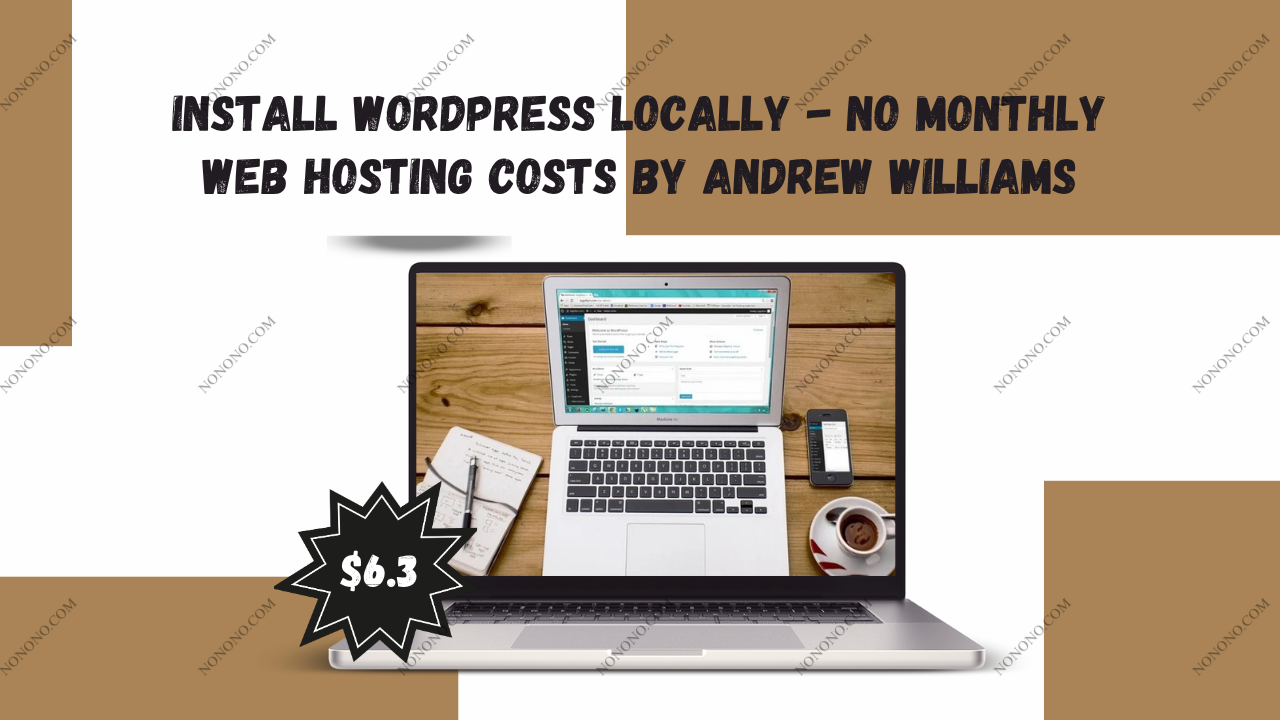
Install Wordpress Locally - No Monthly Web Hosting Costs
by Andrew Williams
Install Wordpress Locally - No Monthly Web Hosting Costs by Andrew Williams For Digital Download!
Check Proof of Content here:
Install WordPress Locally – No Monthly Web Hosting Costs by Andrew Williams: A Comprehensive Guide
In the modern digital landscape, the ability to build and operate a website is an increasingly valuable skill. For those just beginning their journey into web development or content creation, setting up WordPress on a local machine is a smart, cost-free way to learn. Andrew Williams’ course, Install WordPress Locally – No Monthly Web Hosting Costs, is crafted for absolute beginners seeking to understand WordPress fundamentals without the commitment of monthly web hosting fees. This local development method offers freedom to experiment, make mistakes, and learn in a no-risk environment. In this guide, we’ll explore the course’s core features, benefits, and its value to entry-level developers.
Course Overview
This beginner-friendly course by Andrew Williams walks learners through the process of installing WordPress directly on their personal computers. It simulates a web hosting setup locally, giving users hands-on experience with WordPress functionality—without requiring a paid hosting account. This makes the course especially useful for newcomers who want to test and learn without jeopardizing a live website.
Key Lessons Offered
Throughout the course, students will explore several foundational concepts, such as:
Understanding Local Setup: The course begins with an explanation of what a local installation entails and outlines its major advantages—including zero hosting costs and a secure testing space.
Guided Installation Process: Williams provides clear, step-by-step instructions for downloading, configuring, and installing the necessary components for running WordPress locally.
Creating a Local Server: The course explains how to use tools like XAMPP, WAMP, and MAMP to build a local server environment. Depending on whether you're using Windows or macOS, tailored instructions are provided to ensure proper setup.
Given how intimidating website creation can appear to beginners, this course does an excellent job of simplifying the learning curve around WordPress’s local installation.
Learning Outcomes
By the conclusion of the course, learners will walk away with the following practical skills:
Cost-Free Web Development: A clear understanding of how to build and test a website without incurring web hosting charges.
Safe Experimentation: The ability to try out new themes, plugins, and features in a protected environment where mistakes won’t break a live website.
Offline Access: Skills to develop WordPress projects even without an active Internet connection—ideal for learners with limited or inconsistent online access.
This methodical teaching style empowers students to explore WordPress confidently, helping them build strong foundational knowledge.
Advantages of Local Installation
The course highlights numerous compelling reasons for installing WordPress locally. Here's a breakdown of some of the top advantages:
Economic Benefits
Perhaps the most obvious advantage is saving money. Hosting services often require monthly or annual subscriptions, which can be a barrier for many beginners. A local setup bypasses these costs entirely while still allowing users to enjoy the full WordPress experience.
Secure Testing Grounds
Another critical benefit is the risk-free nature of local development. Users can freely experiment with different settings, themes, and plugins without the fear of crashing a live site. This is especially valuable for those who are just learning and want to explore without consequences.
Development Flexibility
Working offline also opens up new levels of convenience. Students can work on their projects anytime, regardless of Internet availability. This is particularly useful for people in remote locations or for those who prefer to work during hours when the Internet may not be available.
Technical Requirements
To effectively install and use WordPress locally, certain prerequisites need to be met. Here’s what learners will need:
System Requirements
A computer with either Windows or macOS installed
Additional software like PHP, MySQL, and a local server environment (such as XAMPP, WAMP, or MAMP)
Installation Instructions
Williams delivers platform-specific installation guidance, ensuring that whether you're on a Mac or a PC, you’ll know exactly how to configure your system. This step-by-step format reduces confusion and simplifies the process for complete beginners.
Tool Selection Tips
The course also includes helpful advice on selecting the right tools for different needs. Learners gain the confidence to make informed decisions when customizing their local WordPress environment.
By helping learners establish a reliable technical setup, the course lays a strong foundation for seamless WordPress development.
User Experience and Course Quality
A standout feature of this course is its strong focus on user experience. The teaching methodology is hands-on, straightforward, and highly engaging.
Real-Time Demonstrations
One of the most helpful aspects of the course is its use of live demonstrations and relatable examples. This allows students to follow along in real time, bridging the gap between theory and practice. Numerous positive reviews have praised the course for its simplicity and ease of understanding, especially for newcomers.
Instructional Style
Andrew Williams’ instructional approach is warm and approachable. He presents technical concepts in an easy-to-digest manner, avoiding complex jargon. This teaching style keeps learners motivated and ensures they stay on track throughout the course.
Course Outcomes and Conclusion
After completing this course, learners should feel empowered to set up and run their own WordPress websites locally. Most importantly, they’ll be able to do this without paying for hosting, which lowers the barrier for learning and experimentation.
In conclusion, Install WordPress Locally – No Monthly Web Hosting Costs by Andrew Williams is a fantastic educational tool for anyone looking to gain WordPress skills without financial investment. It provides a secure, flexible, and economical way to explore web development. As demand for these skills continues to rise, this course is an excellent starting point for aspiring website creators looking to build confidence and competence—without breaking the bank.
Related products

ChatGPT & MidJourney AI Prompt Engineering for Entrepreneurs
by Andrew Williams
$13.00
$6.30