
V-Ray Masterclass: Your Complete Guide to V-Ray 5 & 6 for 3ds Max
by Mograph Plus
Get V-Ray Masterclass: Your Complete Guide to V-Ray 5 & 6 for 3ds Max by Mograph Plus Digital download!
Check proof of content here:
V-Ray Masterclass: Your Complete Guide to V-Ray 5 & 6 for 3ds Max by Mograph Plus
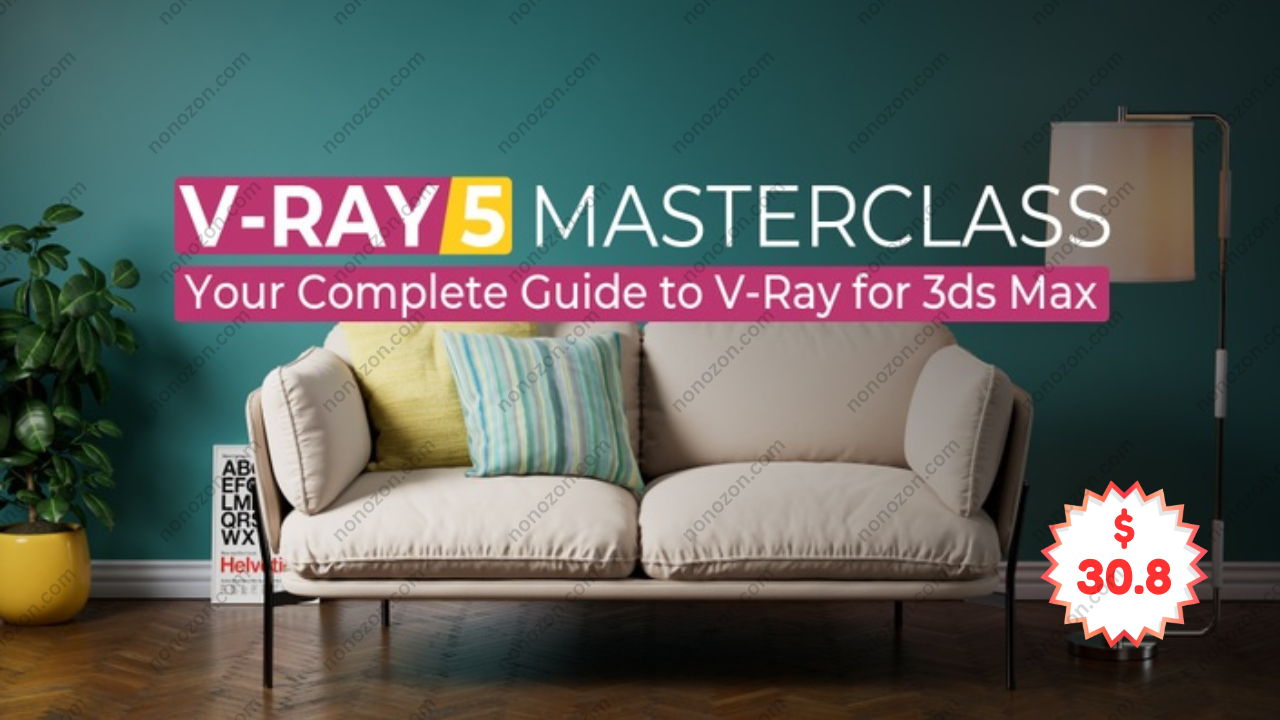
In the realm of CGI and digital rendering, mastering the latest tools is crucial for both newcomers and experienced artists. The course, V-Ray Masterclass: Your Complete Guide to V-Ray 5 & 6 for 3ds Max by Mograph Plus, offers a thorough learning path designed for those eager to improve their V-Ray expertise within 3ds Max. Boasting over 983 minutes of video tutorials—equivalent to more than 16 hours—this program is carefully organized to take learners from basic principles to advanced workflows. Spanning 97 detailed lessons, it covers vital subjects such as lighting, materials, rendering, and camera settings, making it an essential resource for any artist aiming to advance their craft.
The Fundamentals of V-Ray: Getting Started
Mastering V-Ray starts with an overview of the software's tools and capabilities. A key highlight of this course is its integration of ACES (Academy Color Encoding System), which significantly enhances color handling throughout the production pipeline. Since accurate color reproduction is critical to the final visual outcome, understanding how to apply ACES properly can elevate the quality of rendered images. By establishing a solid foundation before moving into complex topics, Mograph Plus ensures learners gain a comprehensive grasp of V-Ray’s environment.
Diving Deep into Lighting: Mastering Illumination Techniques
Allocated 109 minutes, the lighting section focuses on the role of light in 3D rendering. Students explore different light types like area, mesh, and IES lights, gaining insights into V-Ray’s lighting toolkit. An important feature covered is the light mix, which allows for live scene lighting adjustments—essential for setting the right mood.
The course also delves into global illumination (GI) methods, explaining light interaction using engines such as brute force and light cache. Mastery of these concepts boosts realism and optimizes rendering efficiency, vital for professionals. Additionally, environmental effects like fog are examined, adding depth and atmosphere to scenes.
Materials: Crafting Realistic Textures and Surfaces
The materials module, spanning 277 minutes, is one of the most thorough parts of the course. Learners investigate V-Ray’s material system and how to create shaders suited for various textures and surfaces. The V-Ray Asset Browser is introduced as a valuable tool, offering a vast collection of ready-made materials that can be easily customized. This resource helps artists save time while maintaining high standards.
Beyond basics, the course tackles advanced material types such as human skin, with detailed lessons on adjusting material properties to achieve lifelike realism. Given that textures are fundamental to believable renders, this section is particularly critical.
Camera Operations and Advanced Rendering Techniques
A vital aspect of rendering quality lies in understanding camera mechanics, which this course addresses in depth. Participants get acquainted with the V-Ray Physical Camera, exploring features like depth of field and motion blur that enhance photographic realism.
On rendering, the course covers essential principles like image sampling and ray tracing. The integration of ACES for color precision in rendering workflows is explained thoroughly, reinforcing the importance of accurate color in both static images and animations.
The Latest Features: Keeping Up with V-Ray 5.1 and 6.0
With continual software evolution, staying current is key for professionals. This section highlights new tools and improvements in V-Ray 5.1 and 6.0, including the introduction of V-Ray Decal, Chaos Scatter, and other workflow enhancements. These updates empower users with advanced capabilities to produce industry-standard results.
Being able to utilize the latest features ensures artists remain competitive and prepared for future challenges in digital rendering. Mograph Plus’s comprehensive coverage equips learners to adapt quickly and efficiently.
Comprehensive Learning Experience: Engaging and Refined
One standout aspect of this masterclass is the HD 1080p video quality, which greatly enhances visual clarity for learners. Additionally, project files are provided, enabling hands-on practice that bridges theory with real-world application. This method deepens understanding and skill retention by encouraging active participation.
Priced at $129, the course offers substantial value given its depth and practical approach, making it a worthwhile investment for those serious about advancing their V-Ray skills.
Conclusion: A Must-Take Course for Aspiring CG Artists
In conclusion, V-Ray Masterclass: Your Complete Guide to V-Ray 5 & 6 for 3ds Max by Mograph Plus stands as an invaluable learning tool for beginners and seasoned artists alike. Its well-structured curriculum thoroughly covers key elements such as lighting, materials, camera work, and rendering techniques. The focus on advanced methods and the latest software features ensures learners are well-equipped to meet the demands of today’s 3D rendering landscape. By enrolling, students unlock new creative potential and improve workflow efficiency, empowering them to create stunning visuals that stand out in the competitive digital art world.
Related products
V-Ray Masterclass: Your Complete Guide to V-Ray 5 & 6 for 3ds Max
by Mograph Plus
$79.00
$30.80

Introduction to Interior Visualization with Redshift and Cinema 4d
by Mograph Plus
$89.00
$30.80